



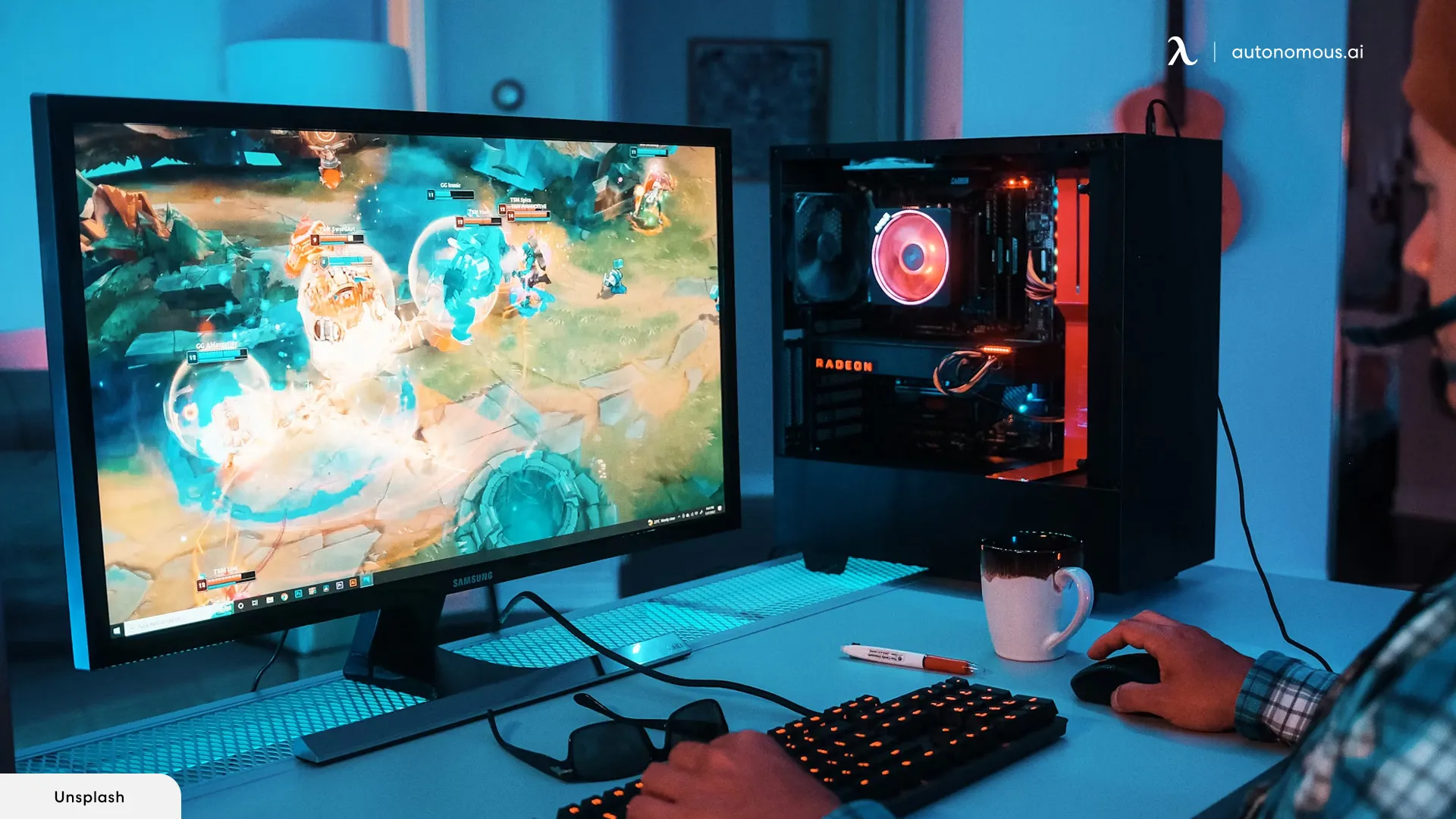
Building a gaming PC under $1000 may seem challenging, but with careful planning, smart component choices, and a focus on performance-per-dollar, it is entirely achievable in 2026. A budget gaming PC can deliver smooth gameplay, high frame rates, and future-proofing for modern titles without breaking the bank.
This guide will walk you through selecting the right components, assembling the PC, and tips to maximize performance. We will also touch on how understanding the Latest Trends in Artificial Intelligence Applications can help optimize gaming experiences and AI-driven tools in PC setups.
Why Build a Gaming PC Instead of Buying Prebuilt
Building your own gaming PC offers several advantages:
-
Cost savings: You often get better components for less money than prebuilt systems.
-
Customization: Choose exactly the CPU, GPU, RAM, and storage that suit your needs.
-
Upgradability: Easier to replace or upgrade parts in the future.
-
Learning experience: Gain knowledge about hardware, performance tuning, and troubleshooting.
Even on a $1000 budget, you can achieve high-quality gaming performance with careful choices.
Step 1: Plan Your Budget
A $1000 budget requires balancing components for maximum gaming performance. A typical allocation might be:
-
CPU: $200–250
-
GPU: $300–350
-
RAM: $80–100
-
Storage: $70–100
-
Motherboard: $100–120
-
Power Supply (PSU): $60–80
-
Case: $50–70
-
Optional cooling/accessories: $50
By planning ahead, you can avoid overspending on one component at the expense of others.
Step 2: Choose the Right CPU
The CPU is crucial for gaming and multitasking:
-
AMD Ryzen 5 5600 – Excellent 6-core performance at a reasonable price
-
Intel Core i5-12400F – Solid gaming and single-threaded performance
Both options are budget-friendly and handle most modern games efficiently.
Step 3: Pick a Powerful GPU
The GPU is the heart of a gaming PC. For a $1000 build:
-
NVIDIA GeForce RTX 3050 or 3060 – Handles 1080p and 1440p gaming well
-
AMD Radeon RX 6600 – Another excellent choice with competitive performance
If AI-enhanced graphics or ray tracing are important, prioritize the GPU even if it means slightly smaller RAM or storage initially. This aligns with trends in gaming AI, inspired by the Latest Trends in Artificial Intelligence Applications.
Step 4: Select RAM
-
Minimum 16GB DDR4 (3200MHz recommended)
-
Dual-channel configuration improves gaming and multitasking performance
16GB is sufficient for modern gaming, streaming, and light productivity tasks.
Step 5: Choose Storage
-
SSD (500GB–1TB) for fast load times and system responsiveness
-
Consider NVMe SSD for faster boot and game load speeds
-
Optional: Use an external HDD for extra storage if needed
SSD storage also complements AI-driven game features such as predictive loading or AI-enhanced graphics assets.
Step 6: Motherboard Selection
Choose a motherboard that supports your CPU and has room for upgrades:
-
Budget Intel motherboard: B660 chipset
-
Budget AMD motherboard: B550 chipset
-
Features to check: PCIe slots, RAM capacity, M.2 SSD support
A good motherboard ensures stability and future-proofing.
Step 7: Power Supply (PSU)
-
Aim for 80+ Bronze certified units for reliability and efficiency
-
550–650W is sufficient for mid-range gaming PCs
-
Avoid cheap, unbranded PSUs as they can compromise safety
Step 8: PC Case
-
Affordable mid-tower case with good airflow
-
Support for ATX motherboards and GPU clearance
-
Optional: RGB lighting for aesthetics
Airflow is important for maintaining performance and component longevity.
Step 9: Assembly Tips
-
Follow motherboard and GPU manuals carefully
-
Ground yourself to avoid static damage
-
Connect all power cables securely
-
Organize cables for airflow and aesthetics
Building your own PC can take 1–2 hours for first-time builders. Watch online tutorials for guidance if needed.
Step 10: Optimize Performance
-
Install latest GPU drivers and BIOS updates
-
Enable XMP/DOCP in BIOS for optimal RAM speed
-
Monitor temperatures to ensure cooling is sufficient
-
Consider AI-assisted optimization tools for game settings
Modern games increasingly use AI features, including procedural generation, adaptive difficulty, and ray tracing. Building a PC that supports these features ensures you benefit from the Latest Trends in Artificial Intelligence Applications in gaming.
Sample $1000 Gaming PC Build
| Component | Recommendation | Price (Approx.) |
|---|---|---|
| CPU | AMD Ryzen 5 5600 | $220 |
| GPU | NVIDIA RTX 3050 | $320 |
| RAM | 16GB DDR4 3200MHz | $80 |
| Storage | 1TB NVMe SSD | $90 |
| Motherboard | B550 Chipset | $110 |
| PSU | 650W 80+ Bronze | $70 |
| Case | Mid-Tower | $60 |
| Cooling/Accessories | Standard Fans | $50 |
| Total | $1000 |
Frequently Asked Questions (FAQs)
1. Can I game at 1440p on a $1000 build?
Yes, most modern GPUs like RTX 3060 or RX 6600 can handle 1440p with medium to high settings.
2. Is 16GB RAM enough for gaming in 2026?
Yes. 16GB supports most games, streaming, and background applications. 32GB is optional for future-proofing.
3. Should I prioritize CPU or GPU for gaming?
GPU usually has a bigger impact on gaming performance. Balance both for optimal results.
4. Can I add AI-enhanced gaming features?
Yes. Mid-range GPUs support AI-driven features like DLSS, ray tracing, and adaptive rendering.
5. Is it better to build or buy prebuilt under $1000?
Building allows customization, better performance-per-dollar, and easier future upgrades.
Final Thoughts
Building a gaming PC under $1000 in 2026 is entirely feasible. By prioritizing GPU and CPU performance, choosing fast RAM and SSDs, and ensuring a quality PSU and motherboard, you can achieve smooth gameplay for modern titles.